// live demo
Create and modify 3D models through conversation
Real Blender renders produced by the pipeline assistant. Every model below was built and modified entirely through natural language.
Step 1 — Create
Build a vehicle from scratch
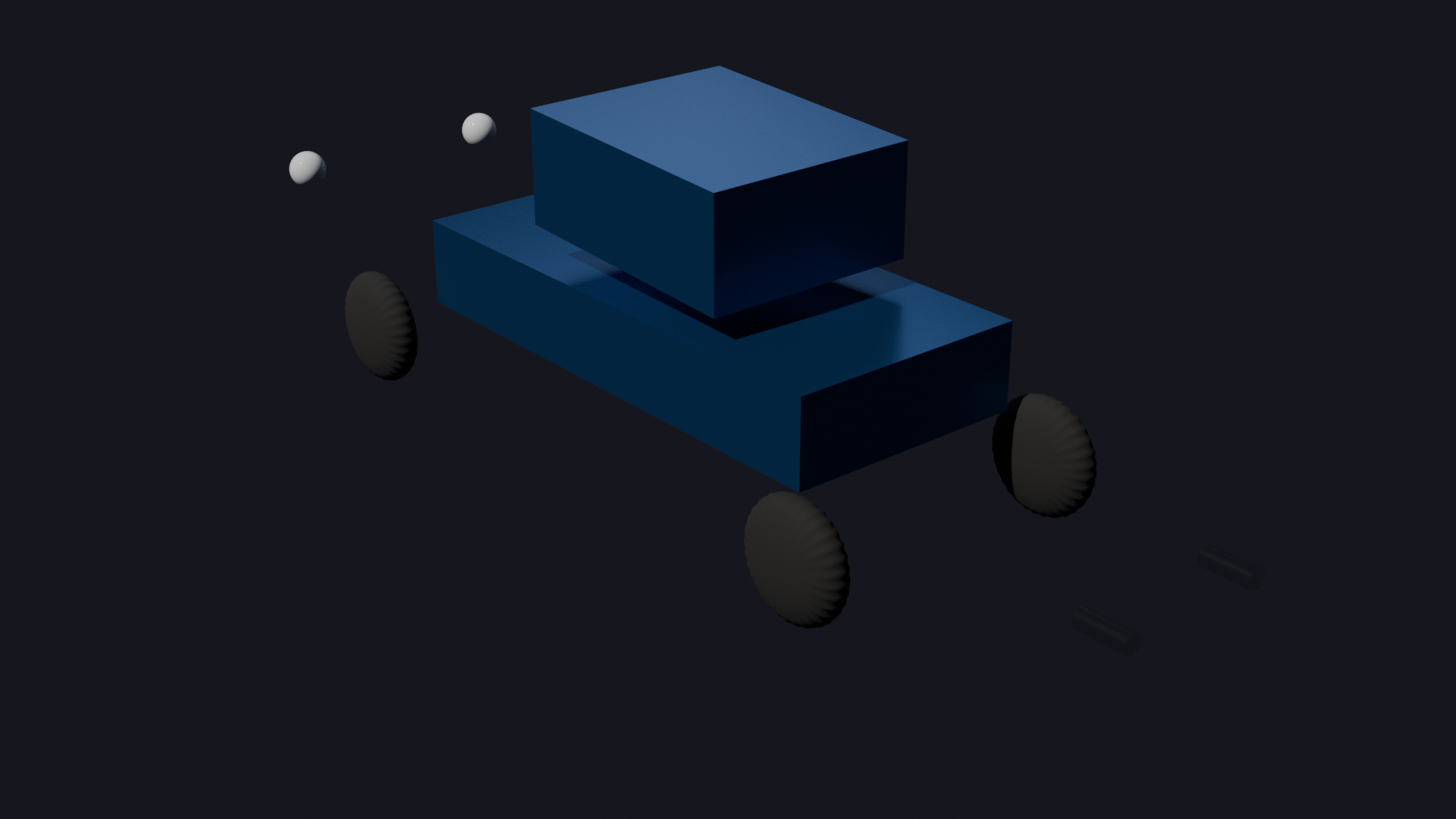
Create a vehicle model with a chassis, cabin, 4 wheels with subdivision, headlights, and exhaust pipes. Use team naming convention
VEH_Type_Name_LOD. Apply metallic blue paint, rubber, glass, and chrome materials. Set up 3-point lighting and render.
Scene built. 10 mesh objects across 3 collections, 4 PBR materials applied:
VEH_Body Chassis, Cabin
VEH_Wheels 4x cylinder + subdivision
VEH_Details 2x headlights, 2x exhaust
Materials BodyPaint Rubber Glass Chrome
Lighting Sun key + Area fill + Spot rim
VEH_Wheels 4x cylinder + subdivision
VEH_Details 2x headlights, 2x exhaust
Materials BodyPaint Rubber Glass Chrome
Lighting Sun key + Area fill + Spot rim
10 objects
4 materials
3 collections
render_01 — Cycles 64spp
Step 2 — Modify
Repaint, add spoiler, widen rear wheels
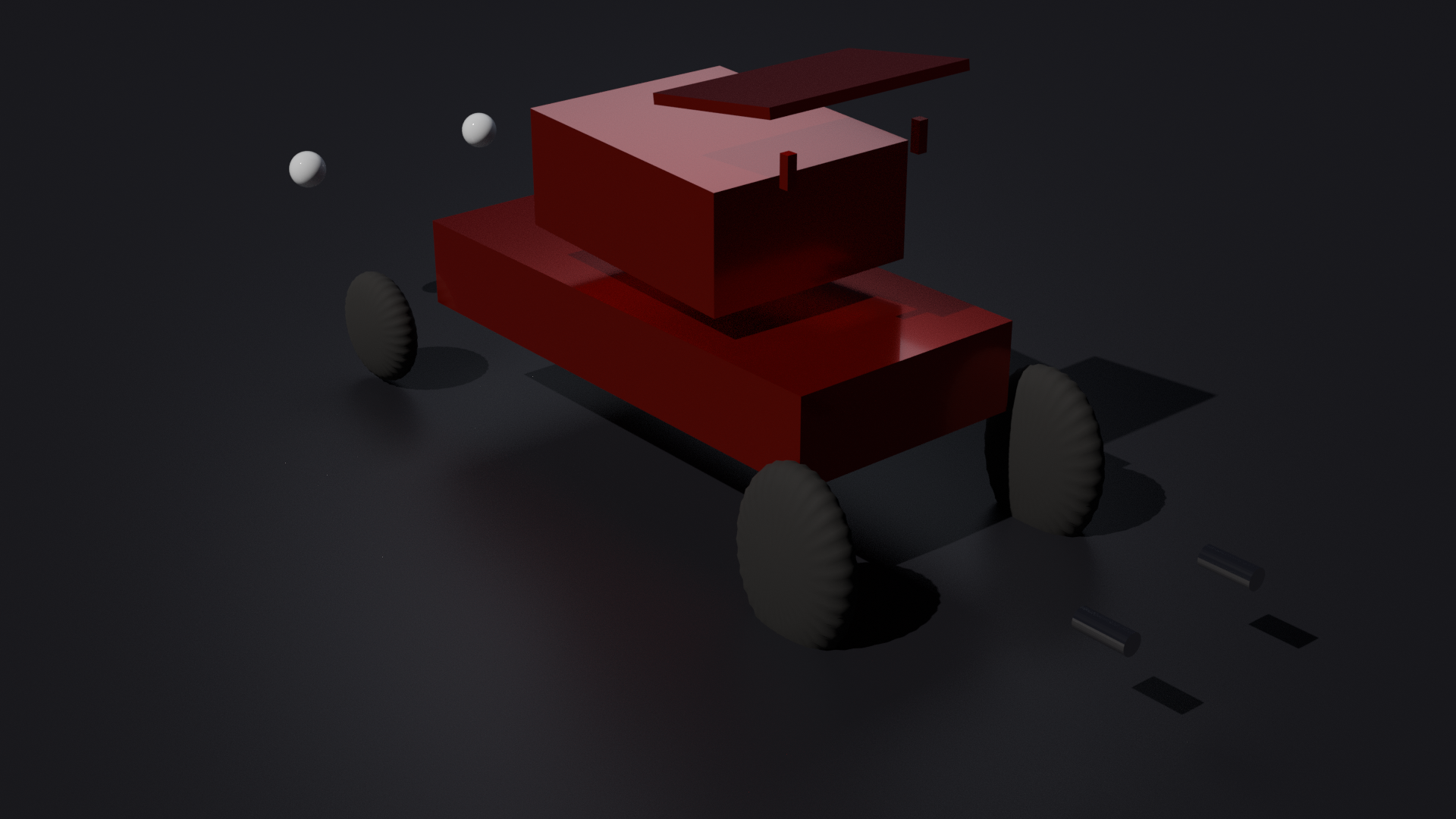
Change the body color to racing red with clearcoat. Add a roof spoiler with mount supports. Widen the rear wheels by 50% and increase radius 15%. Add a dark ground plane.
All modifications applied to the existing scene:
✓ Body paint → racing red + clearcoat
✓ Spoiler wing + 2 mount supports added
✓ Rear wheels scaled 1.5x width, 1.15x radius
✓ Ground plane with dark material
✓ Spoiler wing + 2 mount supports added
✓ Rear wheels scaled 1.5x width, 1.15x radius
✓ Ground plane with dark material
18 objects
+3 body parts
material updated in-place
render_02 — modified
Step 3 — Duplicate & Variant
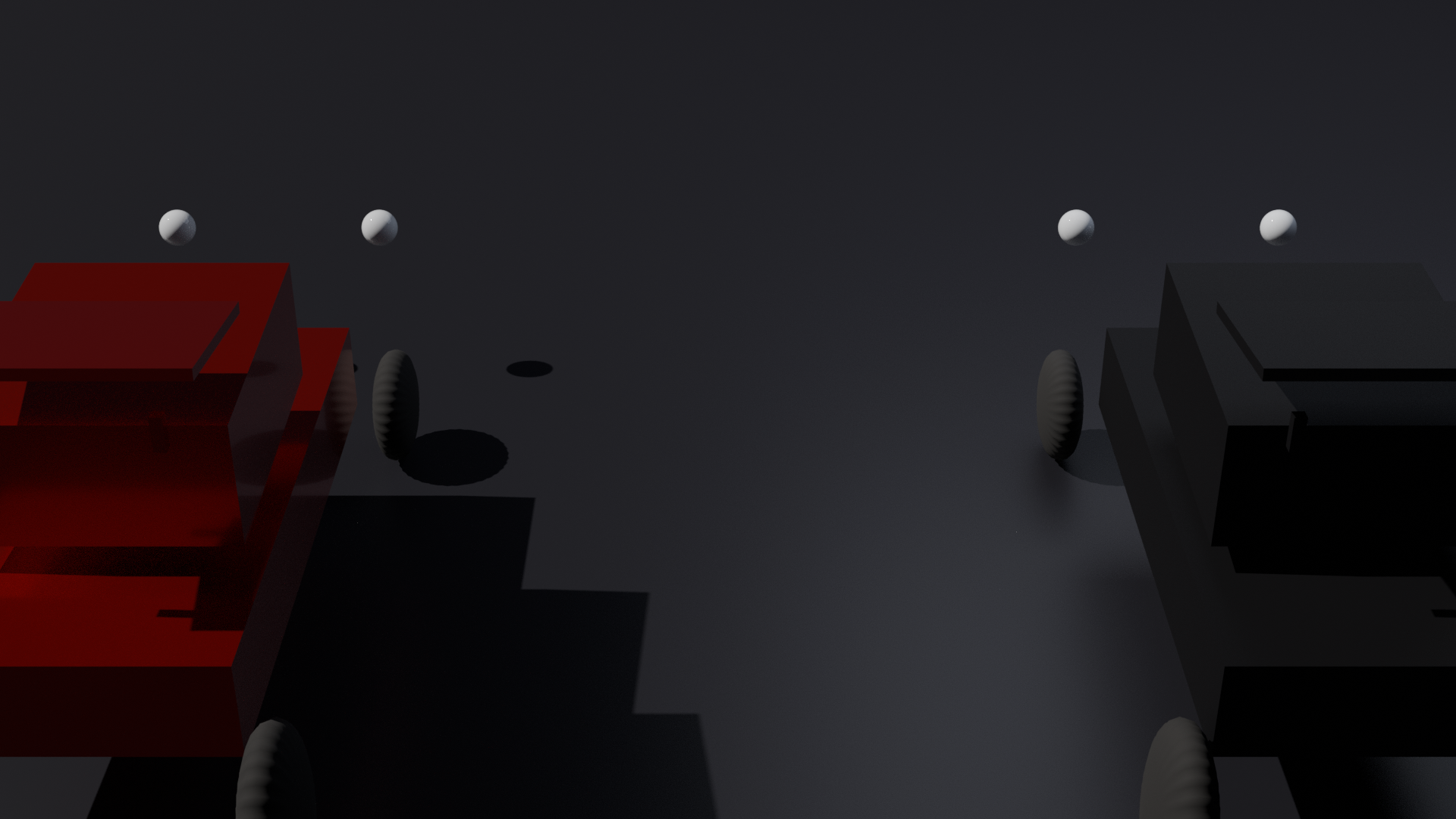
Create a matte black variant, render fleet shot
Duplicate the entire vehicle as a second variant. Apply matte black material with no clearcoat. Position both side by side and adjust the camera for a fleet comparison render.
Fleet scene ready. Duplicated all mesh objects, applied new material, repositioned camera:
Variant 1 Racing Red (metallic + clearcoat)
Variant 2 Matte Black (no clearcoat)
Camera repositioned for fleet composition
Lighting key +33%, fill +60%
Variant 2 Matte Black (no clearcoat)
Camera repositioned for fleet composition
Lighting key +33%, fill +60%
27 mesh objects
+13 duplicated
6 materials total
render_03 — fleet comparison